
Annotate yourpanoramas.
Built for 360° panorama annotation. Add dimensions, text and hotspots on iPhone and iPad, turn the view to revisit details, and keep the whole site in one record.
iPhone & iPad · iOS / iPadOS 18.4 or later
Make more of every site visit.
Practical tips and the latest app updates.
Tips
A little know-how goes a long way.
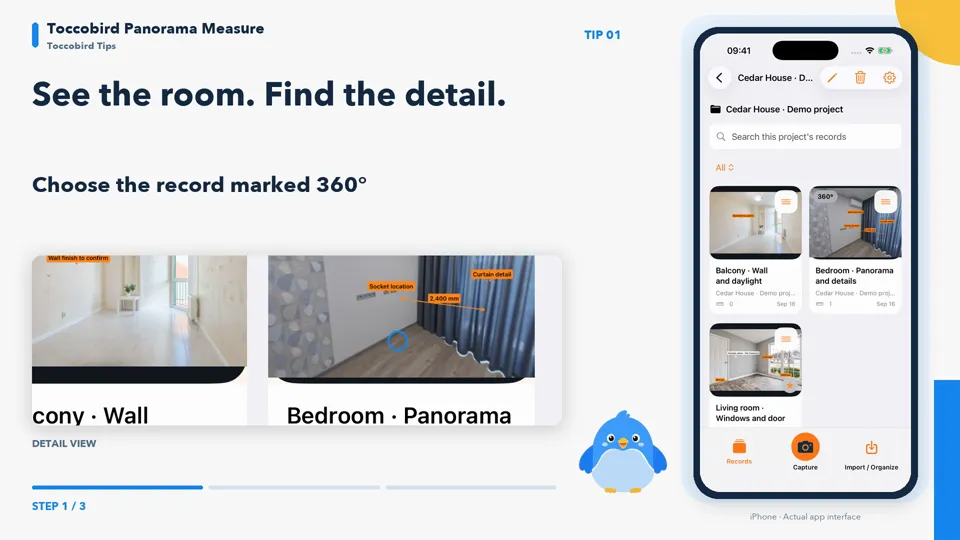
Explore panoramas, connect your camera and prepare a clear handover.
Explore the TipsYouTube loads only when you play a video. Video privacy
What’s New
1.1.1Available on the App Store
More languages. Easier dimension editing.
Seven interface languages, easier dimension editing, export selection and record search.
1.1.1 · Available now
Explore the updateThe big picture. The little details.
Mark positions and dimensions in the panorama, then bring photos, projects and handover documents together.
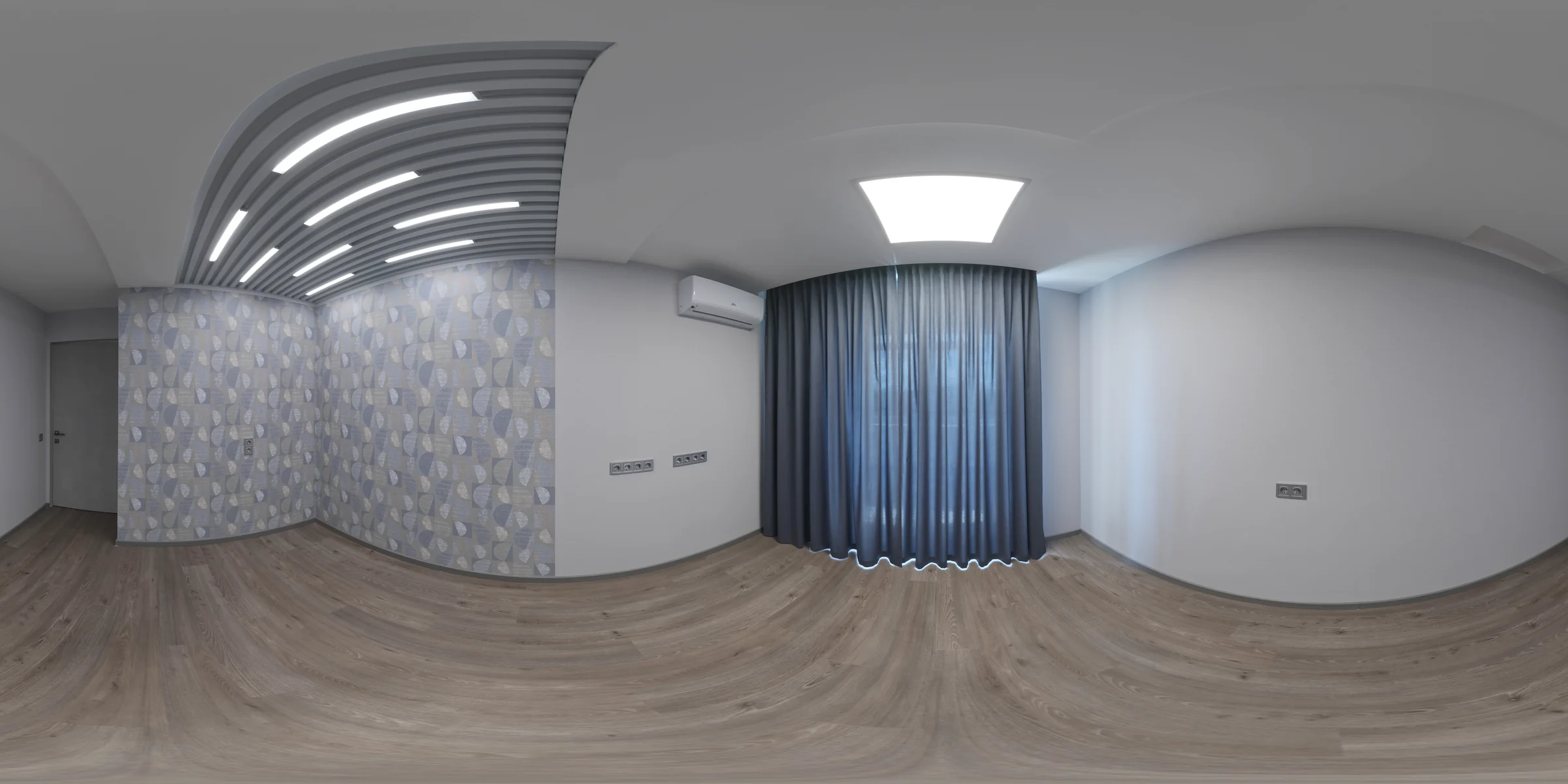
Turn the space.
Keep every annotation.
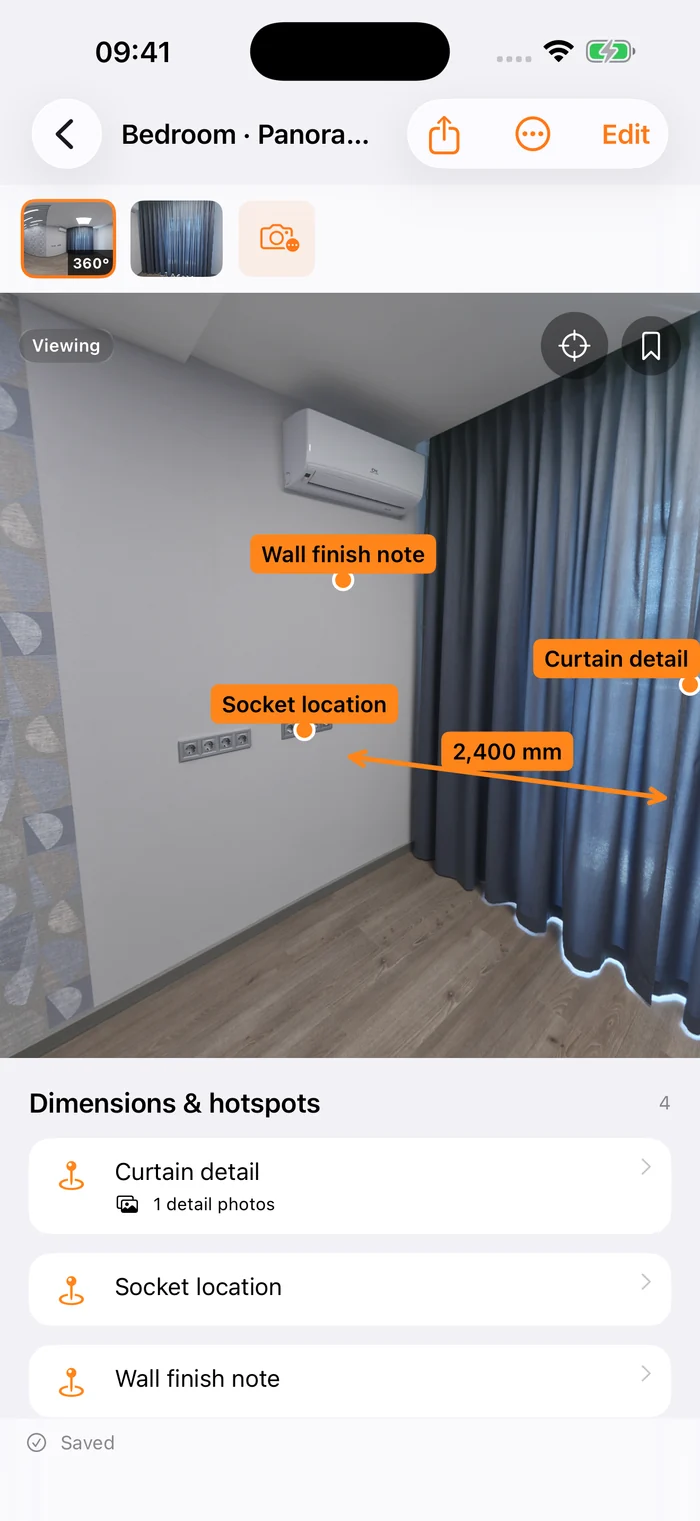
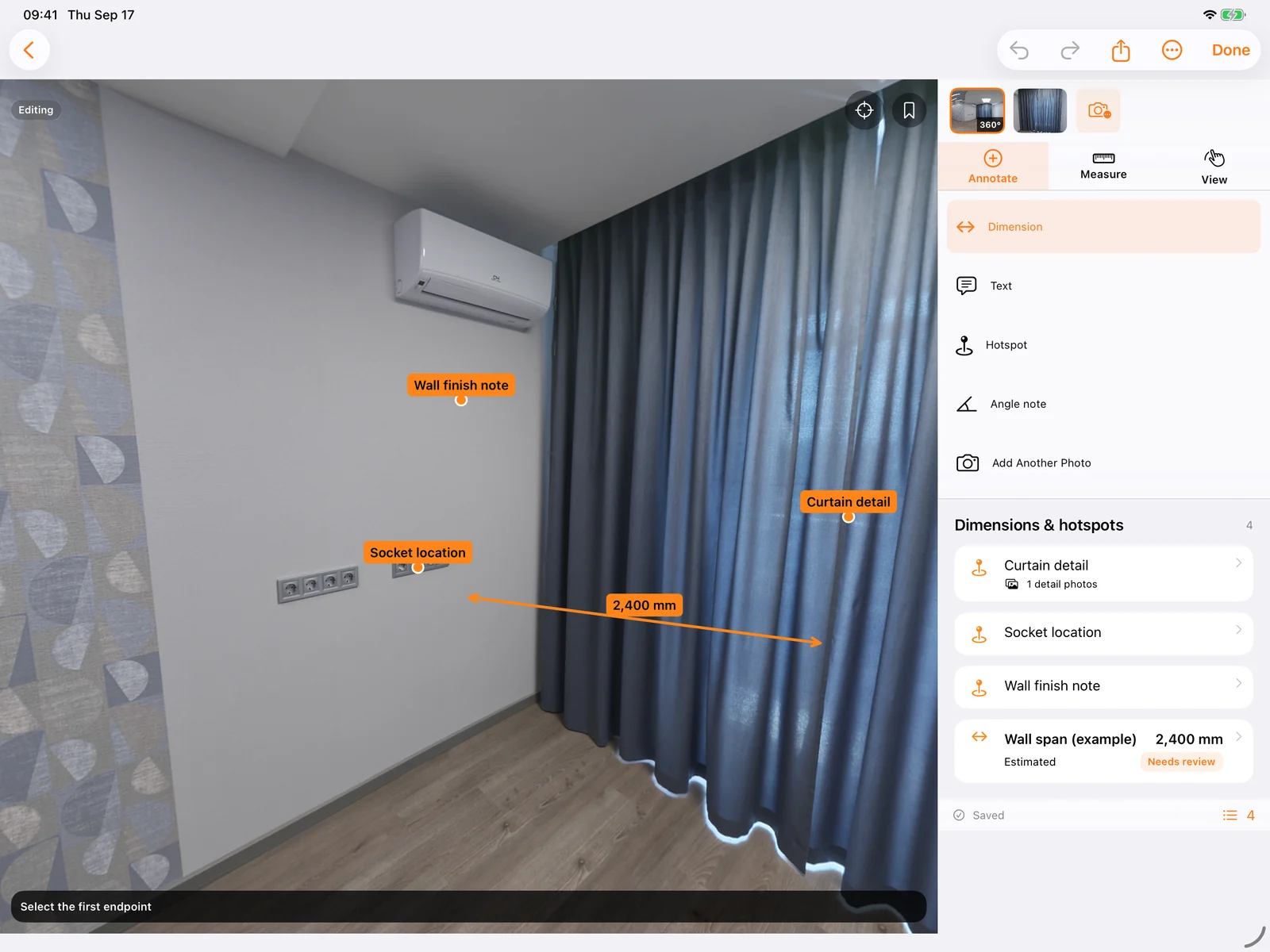
Add dimensions, text, hotspots and angle notes directly to a panorama. Rotate, zoom and save a view. Link close-ups to hotspots so every detail stays connected to its place.
- Dimensions, text, angle notes and hotspots in panoramas
- Look around, zoom in and save useful views
- Link detail photos to their place in the space
The original panorama is shown here. Explore its spherical view in the app. Example annotations are not measured results.
From your camera
to your project.
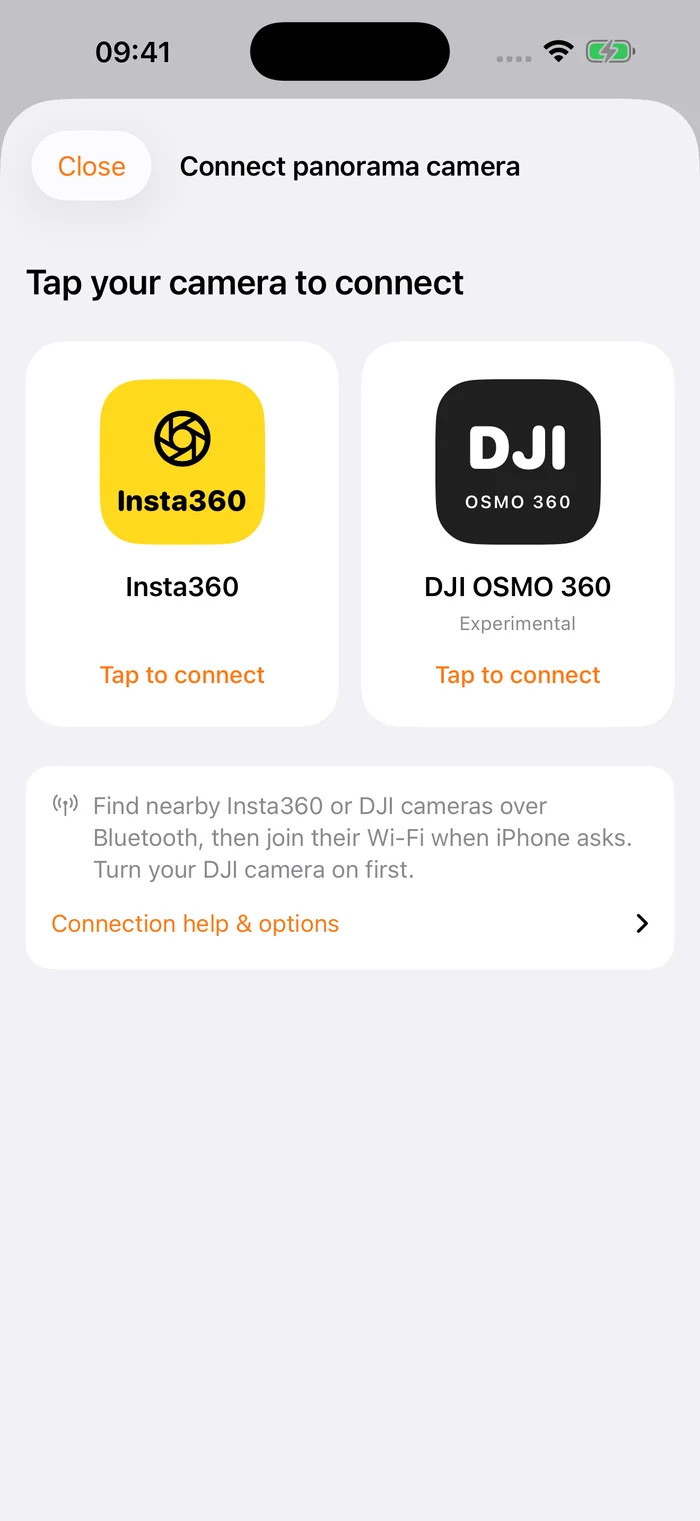
Choose a camera brand in Import / Organize, browse supported photos and import them for on-device annotation. Direct connections for both Insta360 and DJI OSMO 360 are experimental.
- Choose the Insta360 or DJI OSMO 360 connection flow
- Allow Bluetooth and local networking, then join camera Wi-Fi
- Keep the camera awake while downloading; edit locally afterward
Support varies by model, firmware and capture mode. DJI photo lists may be incomplete. The entry screen does not indicate a connected camera.
Scattered records.
Clear handovers.
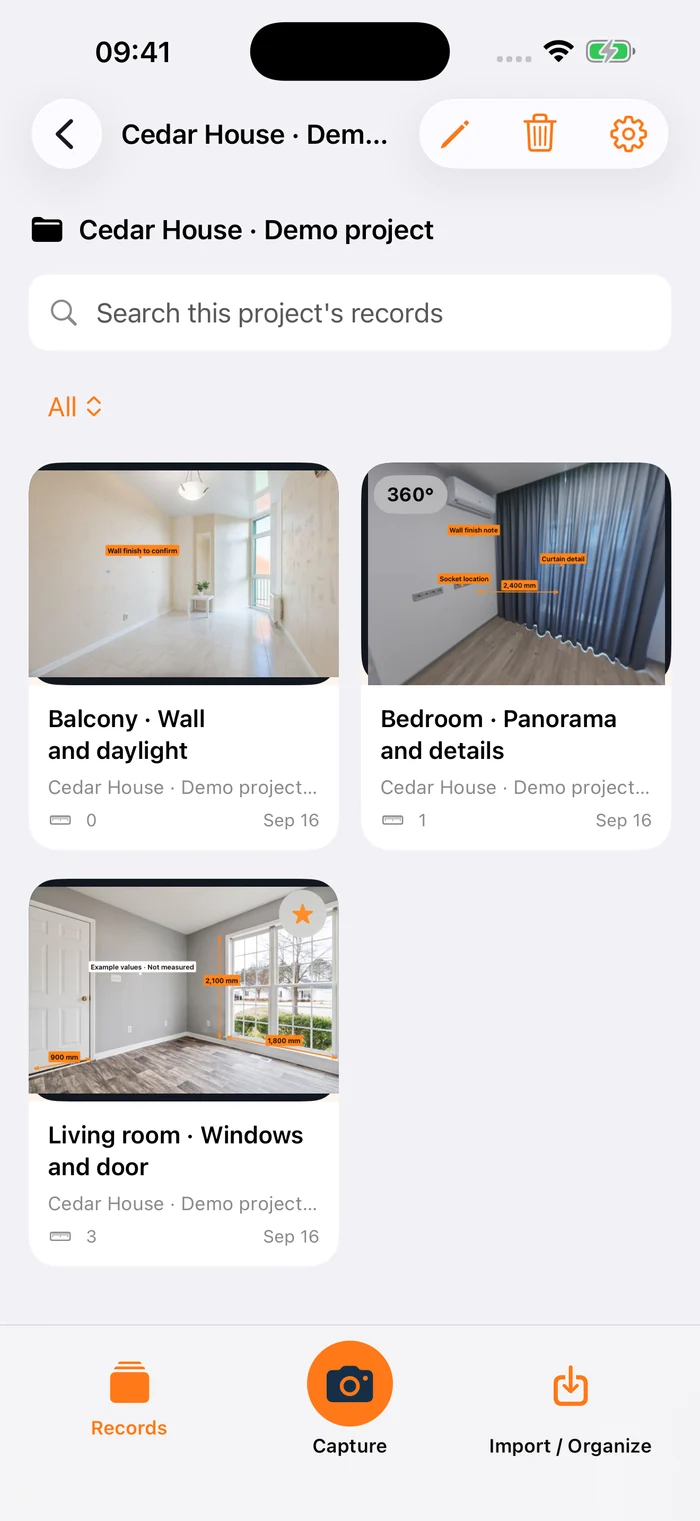
Organize photos by project and area, and search dimensions and hotspots. Choose records and views to export annotated JPEG images. Preview them, save to Photos or Files, or use the share sheet.
- Projects, areas, favorites and search
- Preview, select, save and share annotated images
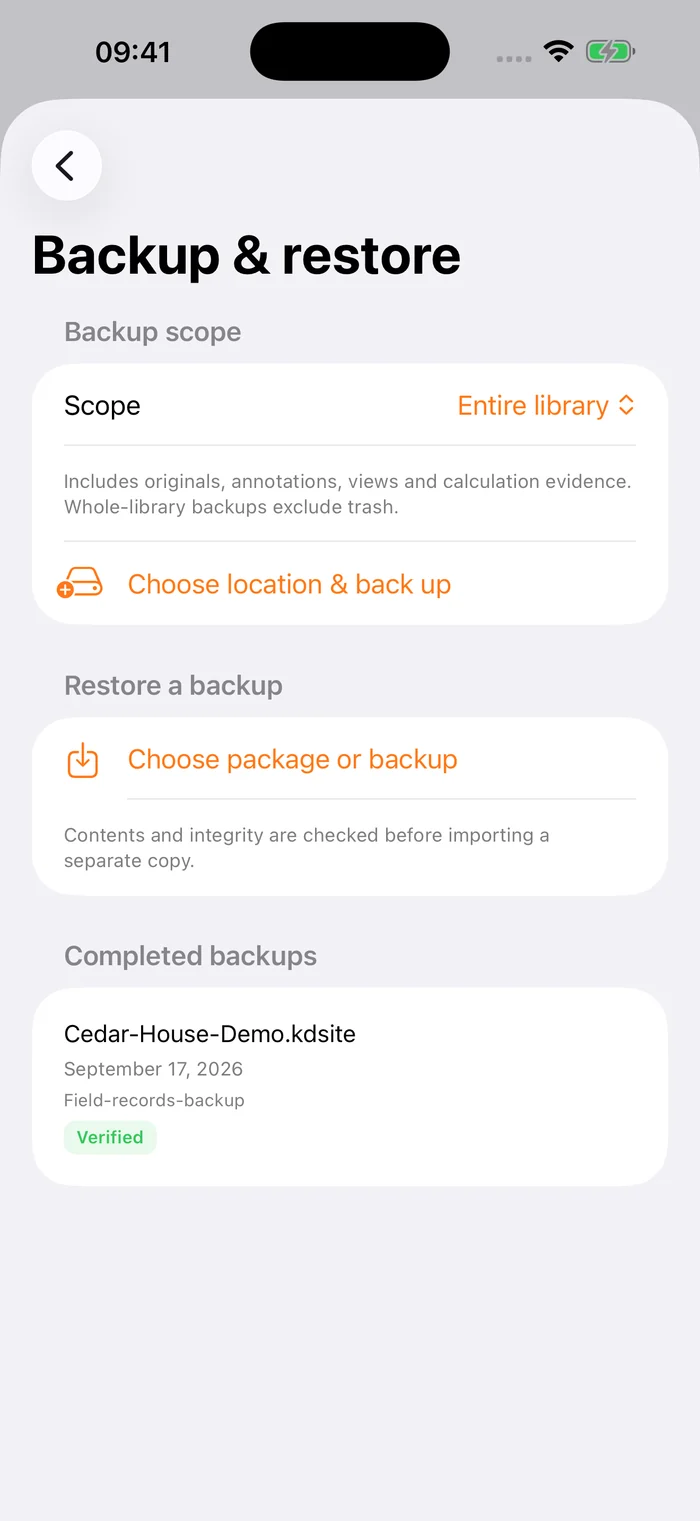
- Complete .kdsite backups with originals and annotations
You choose the content, order, views and privacy options.
Capture on site.
Spread out on iPad.
Record a site on iPhone, then use the wider iPad canvas to explore the details. The layout adapts to orientation and window size, with viewing and editing available in narrow windows too.
- Canvas, tools and dimension list side by side
- A project sidebar in wide windows
- Split View and resizable windows; records stored per device
Move records between devices with a complete project package. AR / LiDAR availability depends on the hardware.
Explore iPad supportBring the site back. In three steps.
Read the usage & compatibility guideCapture or import
Import from Photos or Files, take an ordinary photo, or use an experimental connection to import from a compatible panorama camera.
Annotate and organize
Add dimensions, text and hotspots. Keep every piece of information in its project and area.
Export and hand over
Select your records and export annotated JPEG images. Export a project backup when you need the full picture.
On your device.
Ready to go.
No Toccobird account needed. Read saved records offline and choose when to export or back up. A complete project package keeps your originals, annotations and linked details together.
Claiming a trial, purchasing and restoring purchases need an App Store connection.
- Original media
- Dimensions & notes
- Projects & links
Try it first.
Make it yours.
Claim a 7-day free trial when you are ready. No subscription and no automatic charge. Unlock once when you want to keep creating.
Explore trial detailsThe latest version is available now. Actively claim a 7-day free trial in the app, then unlock once. Your local App Store price applies.
View on the App StoreA few things worth knowing
Do I need a panorama camera?
No. Take ordinary photos or import them from Photos or Files, then add dimensions and text. A panorama camera is optional.
Does it support iPhone and iPad?
Yes. Requires iOS / iPadOS 18.4 or later, including compatible iPhone models such as iPhone XR. iPad layouts adapt to orientation, Split View and window size, with a canvas and tools sidebar in wide windows. LiDAR requires equipped hardware; other compatible devices offer AR according to runtime capability.
Can I use my records after the trial?
Yes. You can still read, search, back up, restore and export existing records. Creating, editing, processing and measuring require the one-time unlock after the trial.
Are photo dimensions measured automatically?
Not always. You can enter dimensions manually, calculate them with an appropriate reference, or capture them with AR / LiDAR. An ordinary photo or panorama has no real-world scale on its own. Calculated results need review.
Which panorama cameras can I connect?
Experimental direct connections are available for Insta360 and DJI OSMO 360. Connection and photo support depend on the model, firmware and capture mode; DJI photo lists may be incomplete. You can also import compatible panoramas from Photos or Files without an external camera.
Which languages does the app support?
The main app, App Clip, iMessage extension and shortcuts support Simplified Chinese, Traditional Chinese, English, French, German, Japanese and Korean. Change the app language in iOS Settings. Your own project names and notes keep their original text.
Do records sync automatically between iPhone and iPad?
Records are stored separately on each device. Export a complete .kdsite project package, then preview and restore it as a copy on the other device. In-app cloud synchronization is not currently provided.